How to stake XDC
Connect a wallet at stakexdc.com, enter an amount on the Stake page, review the psXDC preview and confirm in your wallet. psXDC is minted at the live share price.
Prerequisites
- An XDC-compatible wallet (e.g., MetaMask configured for XDC Network).
- XDC tokens in your wallet.
Step 1 – Connect your wallet
Go to stakexdc.com and click Connect wallet. Approve the connection in your wallet.
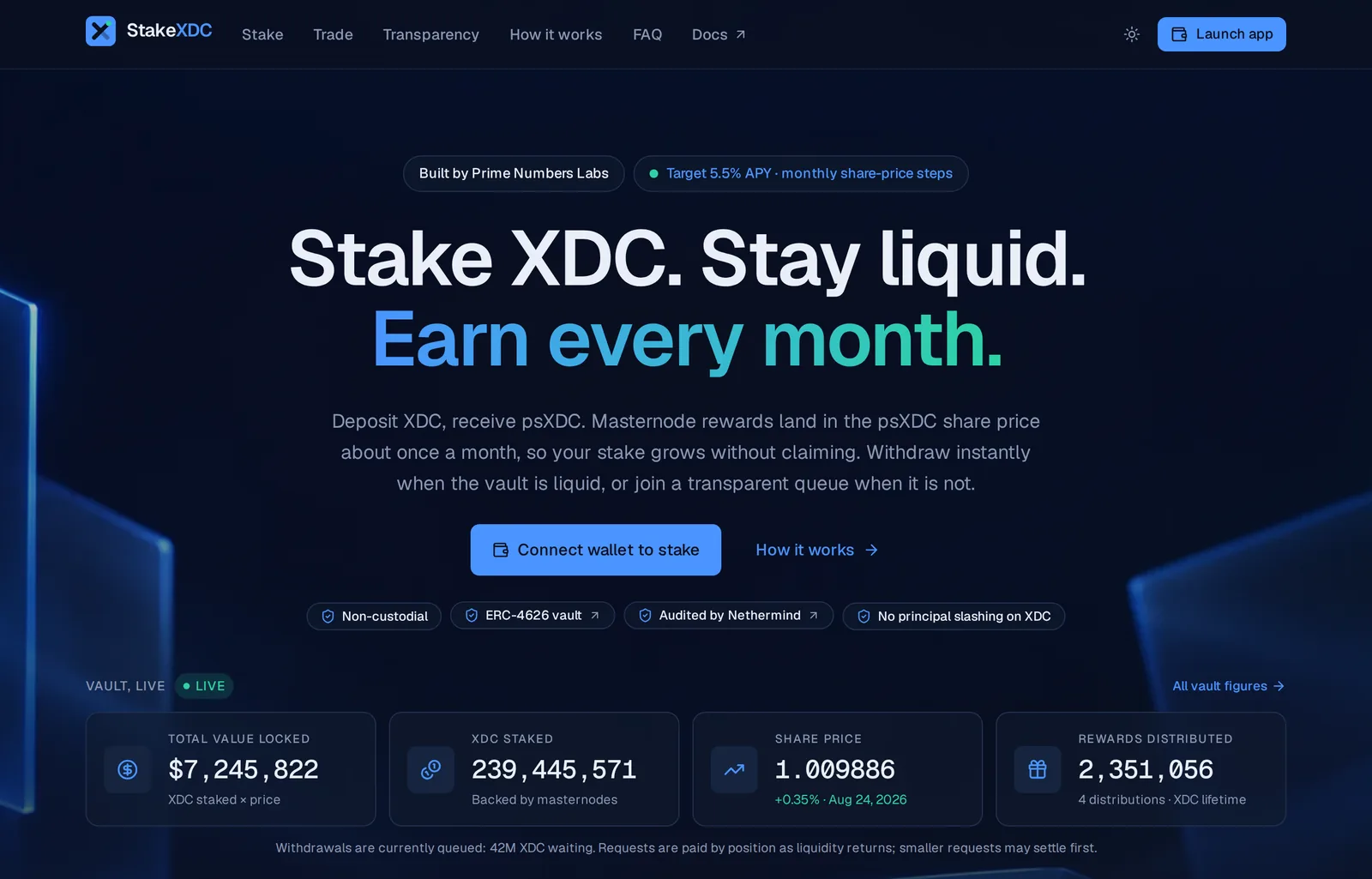
Step 2 – Open the Stake page
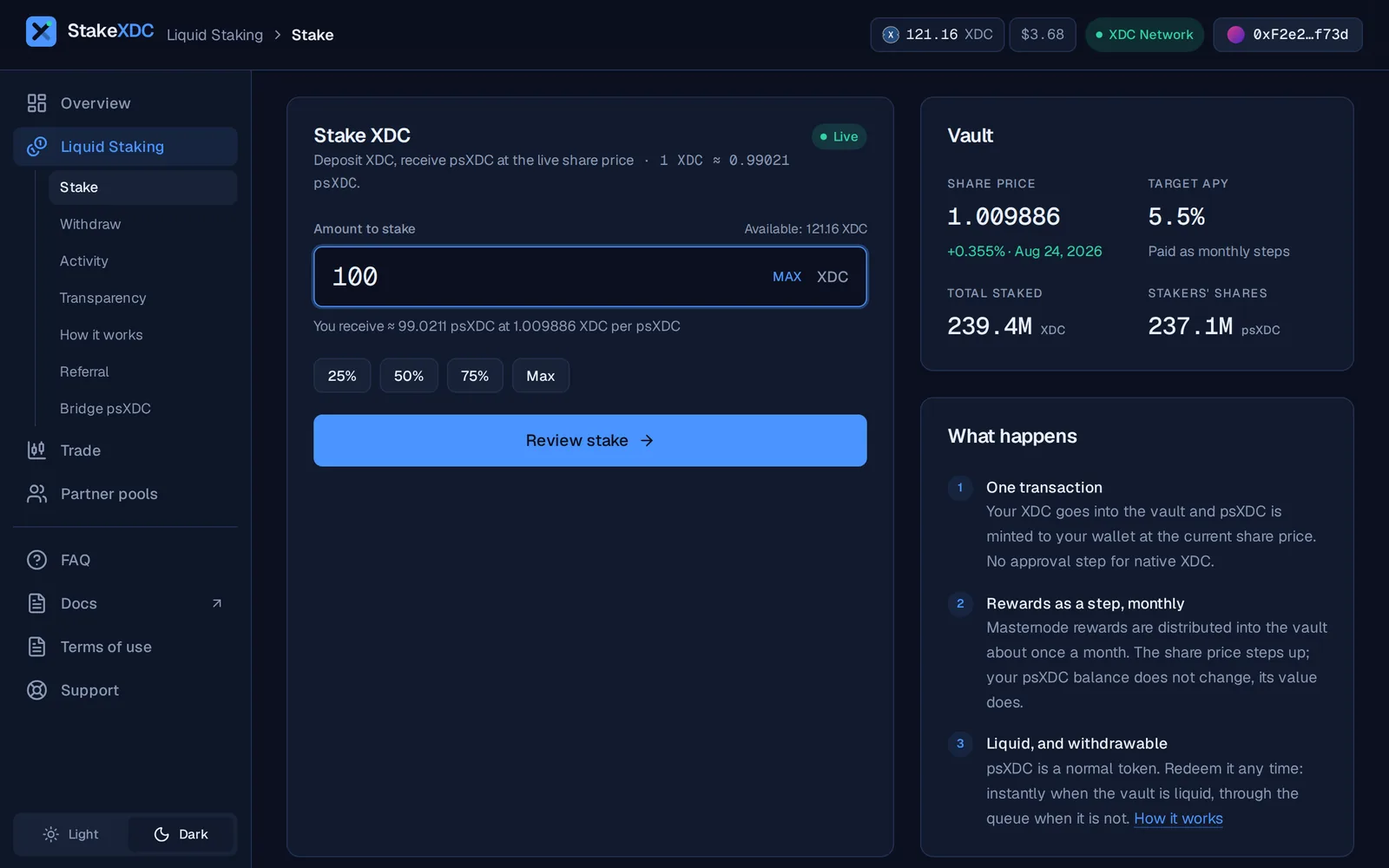
Open stakexdc.com/stake (Liquid Staking › Stake in the sidebar) and enter the amount of XDC you want to stake. The app previews how many psXDC shares you will receive at the current exchange rate. This is not a fixed 1:1; once the vault has accrued rewards, each share is worth more than 1 XDC.
Step 3 – Review and confirm
Check the previewed share amount and click Review stake, then Confirm in wallet. The app calls stake() on the V3.2 vault with your XDC as msg.value. Confirm the on-chain transaction in your wallet. There is no approval step for native XDC.
Step 4 – Receive psXDC shares
Once confirmed, psXDC shares are minted to your wallet at the live exchange rate. Your stake starts earning with the next monthly distribution: rewards arrive as steps in the psXDC share price, with no claim button to press.
Adding psXDC to your wallet
If psXDC doesn't appear in your wallet automatically, click Add psXDC to wallet on the Overview page (or Add psXDC in the wallet sheet).
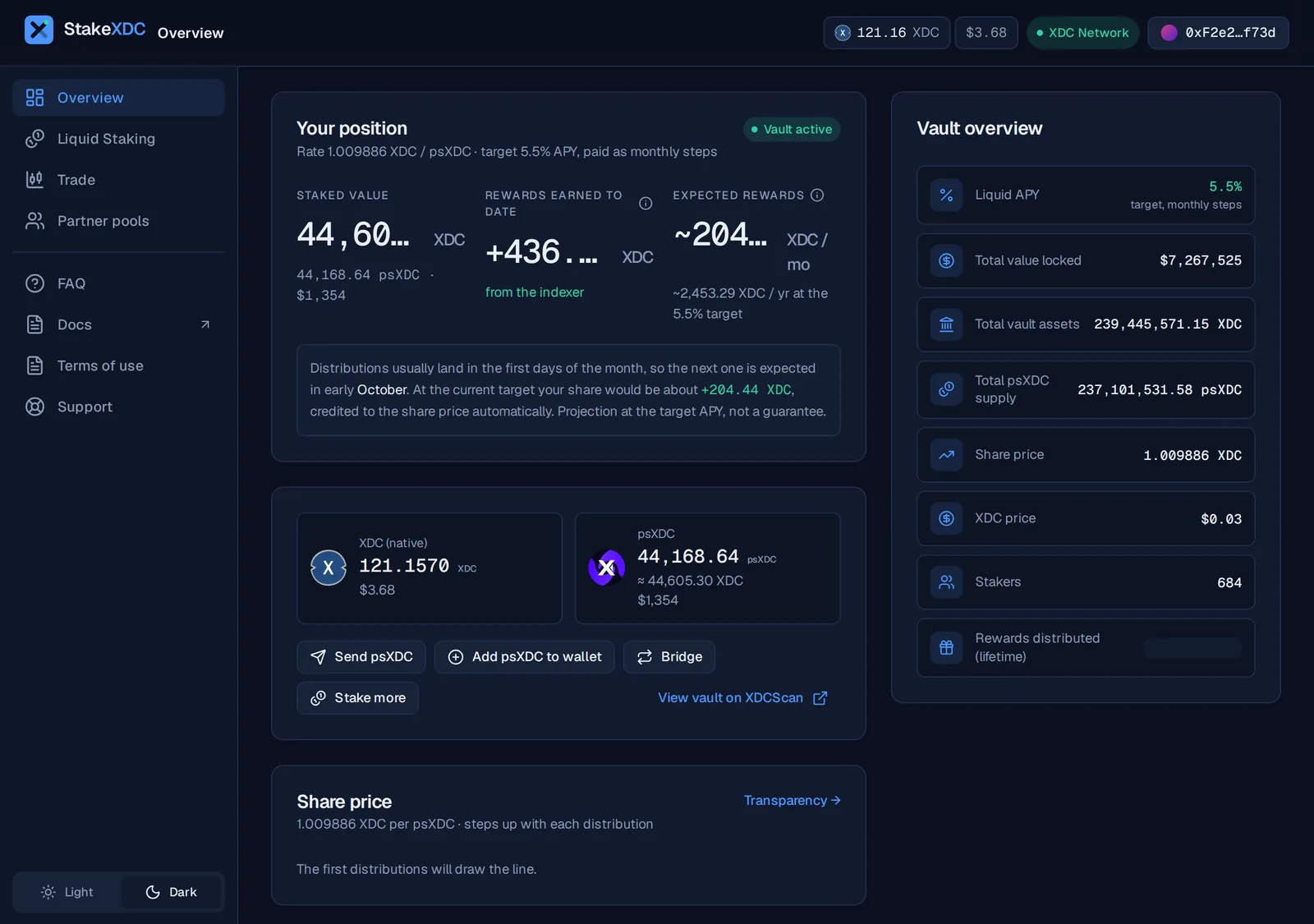
Alternatively, add it manually as a custom token:
Contract address (V3.2): 0xDc74c0DaED82ae94486DeeF22991d2F54173c734 on XDC Network (chain ID 50), symbol psXDC.
Liquid staking overview
Liquid staking lets you earn XDC staking rewards on any amount, without running a node or locking funds. StakeXDC is a non-custodial ERC-4626 vault: rewards arrive as monthly steps in the psXDC share price and withdrawals are self-service.
Withdrawals: instant vs queued
Every withdrawal goes through redeemWithQueue. It settles instantly while the vault has liquidity; otherwise it joins a public queue paid by position, recomputed at the share price when processed, and cancellable before processing.